StarHubTH
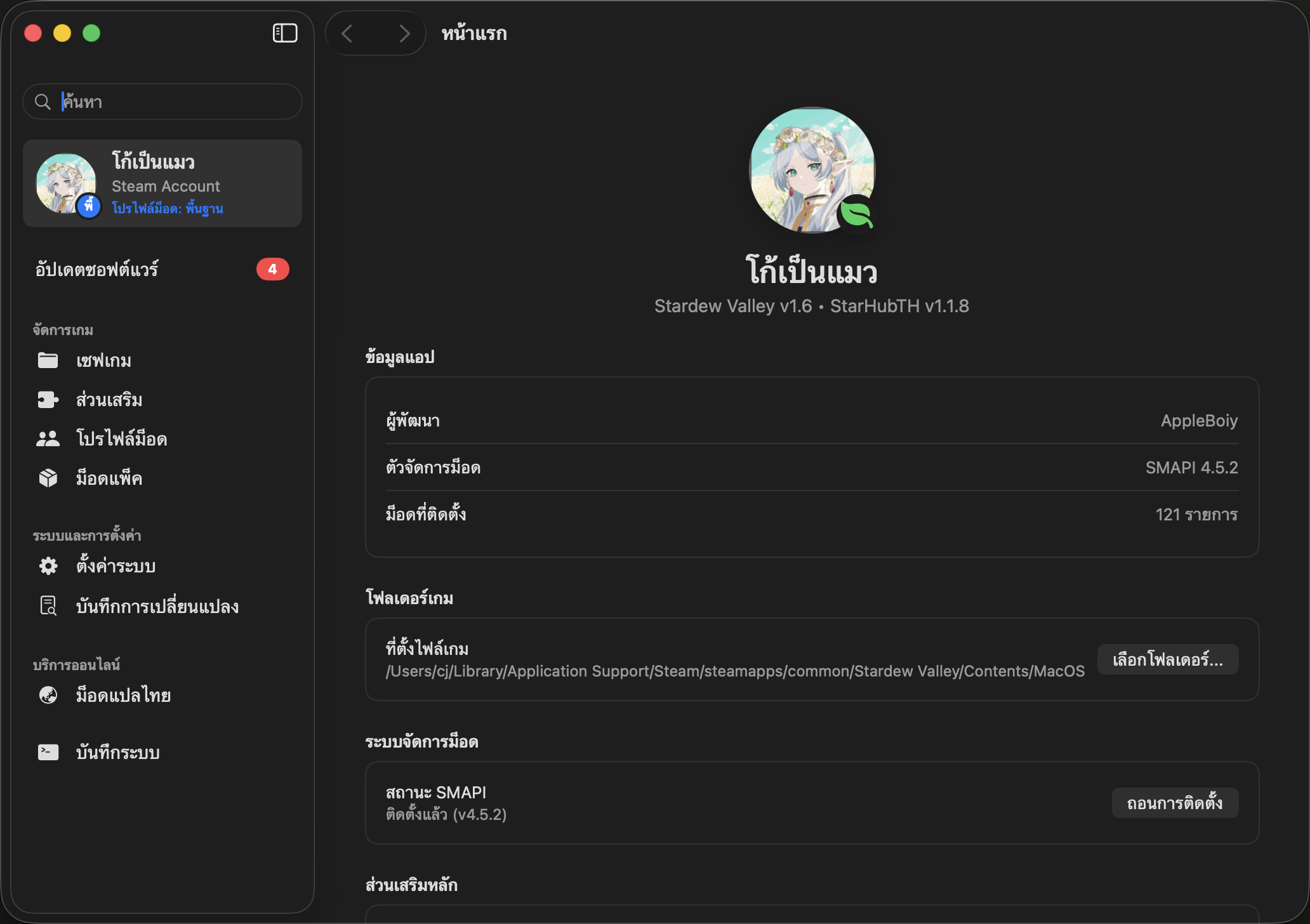
StarHubTH is a native macOS mod manager and launcher for Stardew Valley, written in Swift with SwiftUI. It manages mods, configs, saves and Nexus Mods collections, and has a hub for the Thai translation mods he also maintains. The interface is fully bilingual in English and Thai.
Features
- Launch the game unmodded or through SMAPI, the community mod loader.
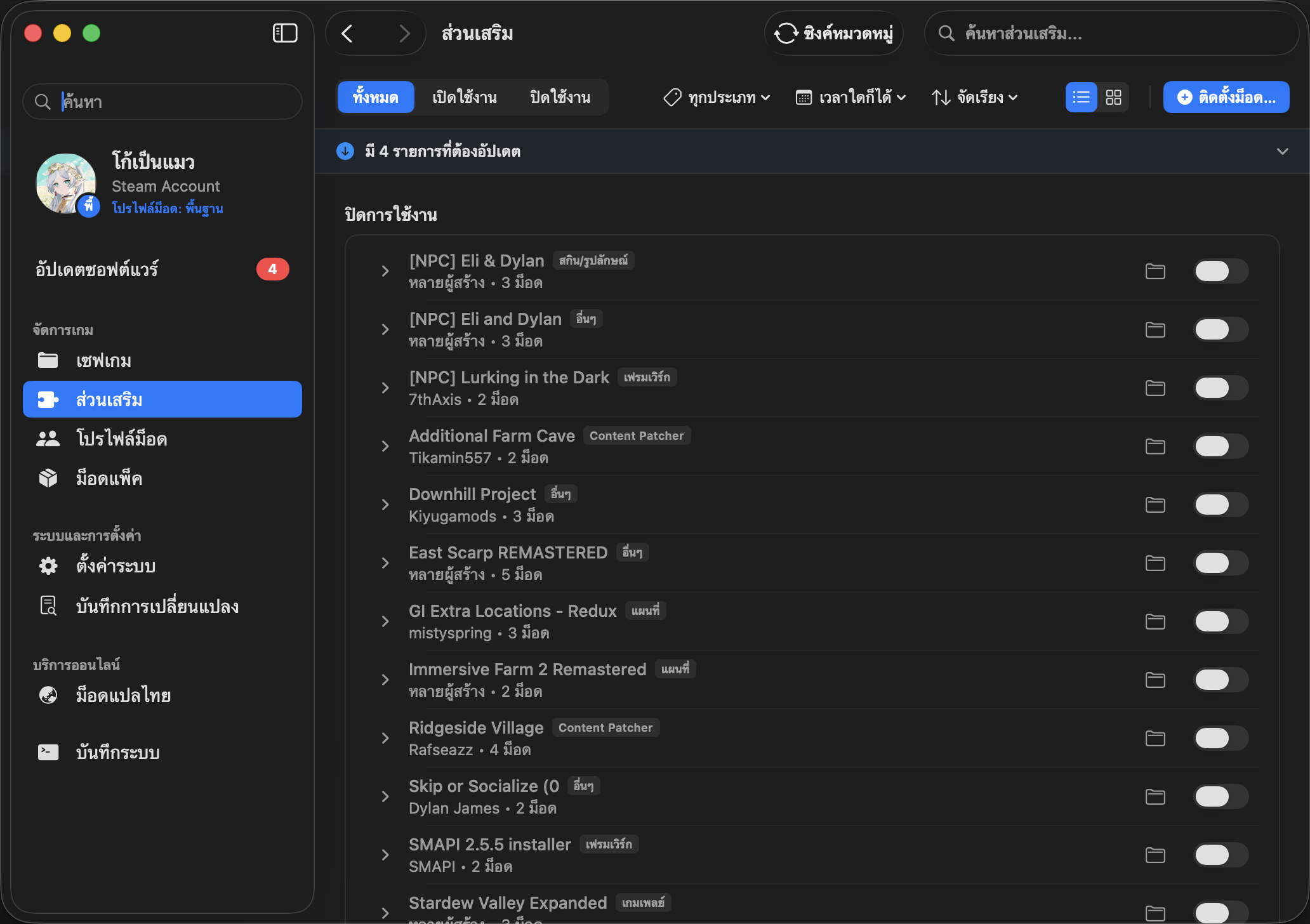
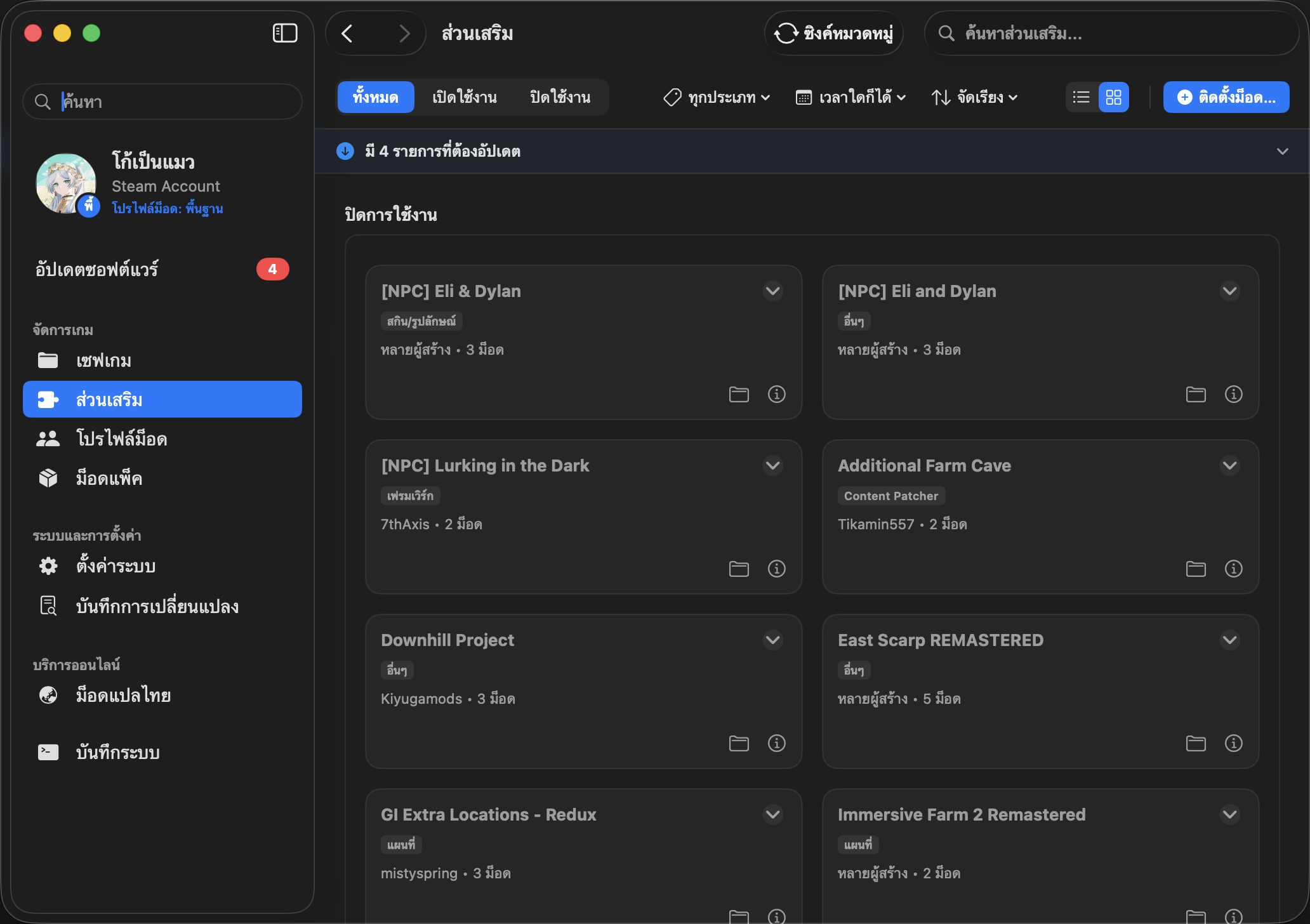
- Manage mods:
- enable or disable them;
- install by dragging in a
.zipor folder; - filter by tag and status;
- back up the whole mods folder in one click.
- Edit mod configs in nested menus that mirror the in-game Generic Mod Config Menu.
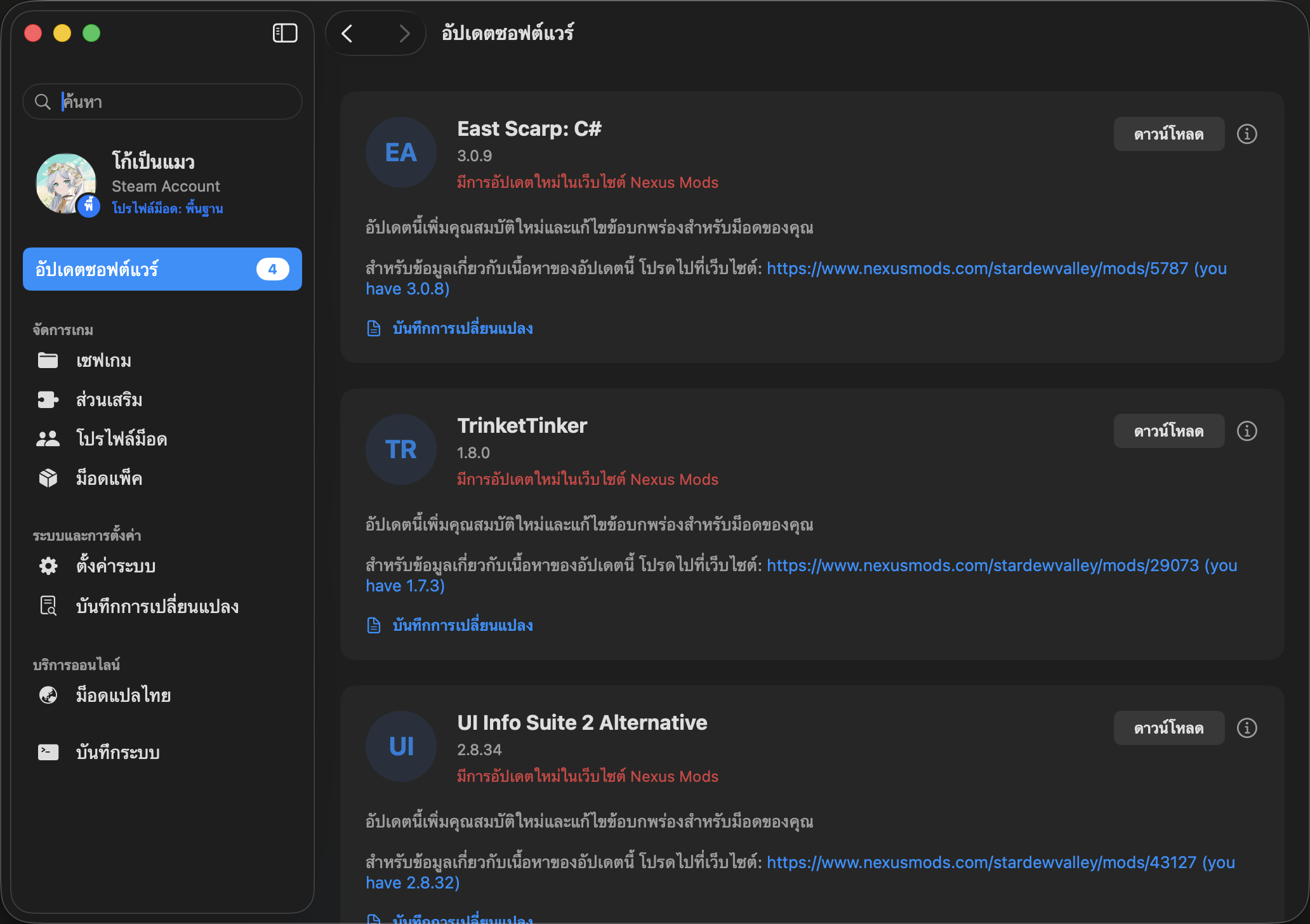
- Nexus Mods integration: details, changelogs and downloads without leaving the app.
- Mod packs: import Nexus Collections from
nxm://links. Each mod shows whether it is installed, disabled or missing, with a direct download link. - Profiles: groups of mods you can switch between in one click.
- Thai Translation Hub: every Thai translation mod in one list, with status, downloads and update tracking. It ties in with his Stardew Valley Thai translations.
- Save manager: browse saves (money, date, season, farm layout), duplicate or delete them, and edit money and basic stats.
- Developer logs: SMAPI's output, live.
Engineering
The app targets macOS 13 or later and needs Xcode 16 with Swift 6, because the code uses typed throws. It has about 120 source files, organised into layers: App, Features, Services, Models, DesignSystem and Localization. Around 35 test files are split into separate test plans for fast unit tests, integration tests against live services, UI tests and screenshot capture. The project file is generated with XcodeGen, and the repository includes written Swift coding standards that are binding for new code.
The changelog is unusually candid about root causes. One example: the Software Update screen never showed any updates, because SMAPI's real log puts blank lines between entries. Checking against a real 122,000-line log found the bug, which the unit test had missed because its sample had no blank lines. Release builds are published to GitHub and uploaded to Nexus Mods automatically.
Installing
Download the latest release, drag StarHubTH.app into Applications and launch it. On first run it looks for the Steam game folder automatically, or lets you pick it.
See also
Pictures